
What is Jito? Solana bundles and tips explained for beginners
Jito comes up as soon as you launch a token with a Buy Bundle, or buy from several wallets at once. This is what it is, with no maths. If transactions and blocks are new to you, read Solana for beginners first.
What is Jito?
Jito makes a version of Solana's validator software, and many validators run it. Its best-known feature is the bundle: up to five transactions sent together, which land in the same block, in order, or not at all. You pay for that with a tip in SOL, which goes to the validator and its stakers.
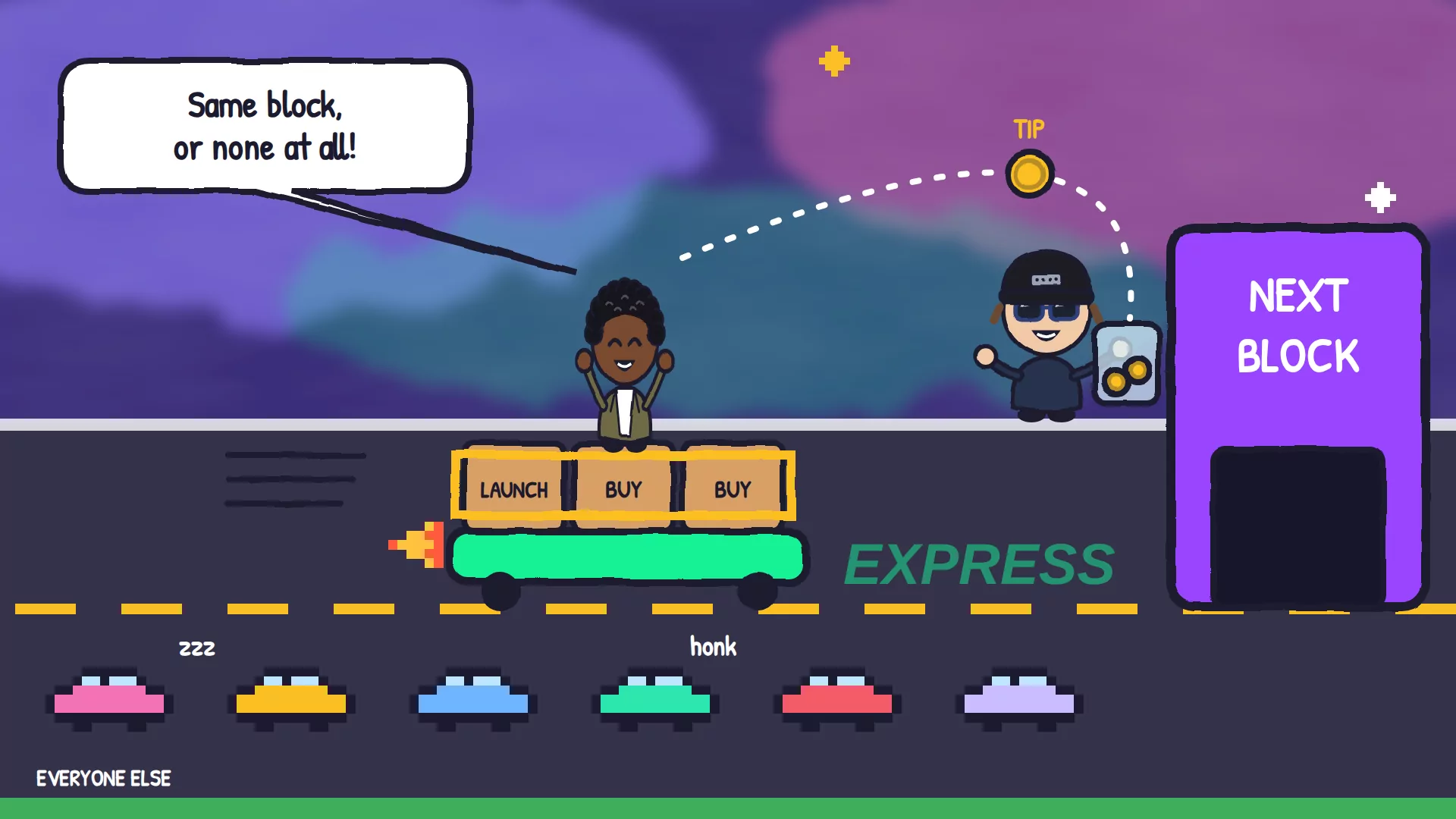
Ordinary transactions are like cars in regular traffic. Each one finds its own way into a block, so two cars that leave together can arrive in different blocks, or one can get stuck. A bundle is a convoy roped together: the whole convoy gets into the same block, in the order you packed it, or it stays home and none of it happens.
What is a Jito bundle?
A bundle is a group of up to five transactions that Jito treats as one. They run one after another, in the order you list them, all in the same block. If any one of them would fail, none of them run, so you never end up with half a launch or half a trade.
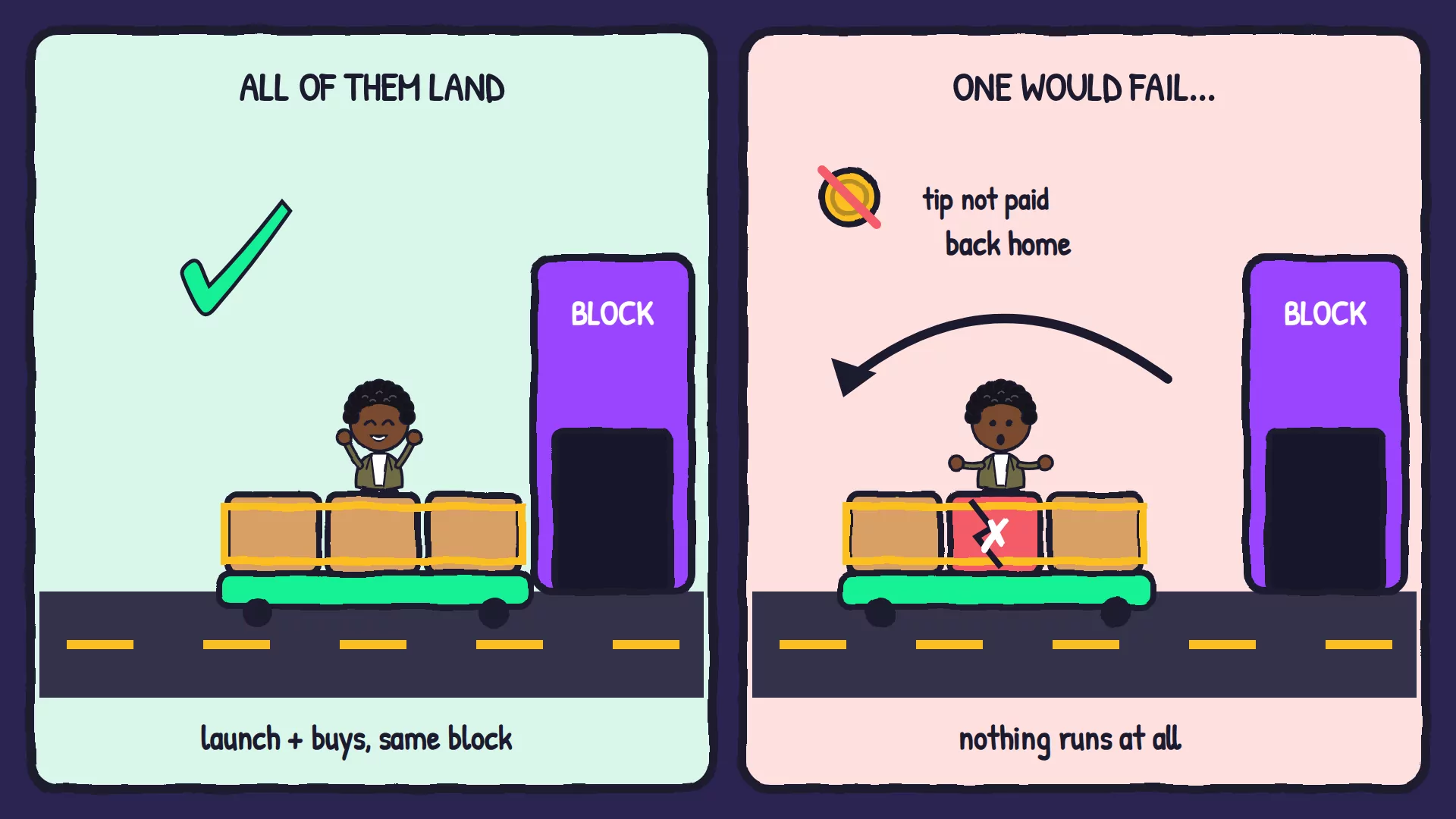
- In order: the first transaction always runs first. At a launch, that's the one that creates the token, so the buys after it have something to buy.
- All or nothing: if the third transaction would fail, the first two don't happen either.
- Five transactions, more wallets: each transaction can carry several wallets' buys. On Pump.fun, Solz.app's first bundle holds your launch and up to 12 wallets, and later bundles hold up to 15.
What is a Jito tip?
A tip is the SOL you add to a bundle so a validator includes it. Bundles compete in an auction, and higher tips win when blocks are busy. Jito's own minimum is 0.000001 SOL, but Solz.app asks for at least 0.0001 SOL, and shows the current market rate next to the setting.
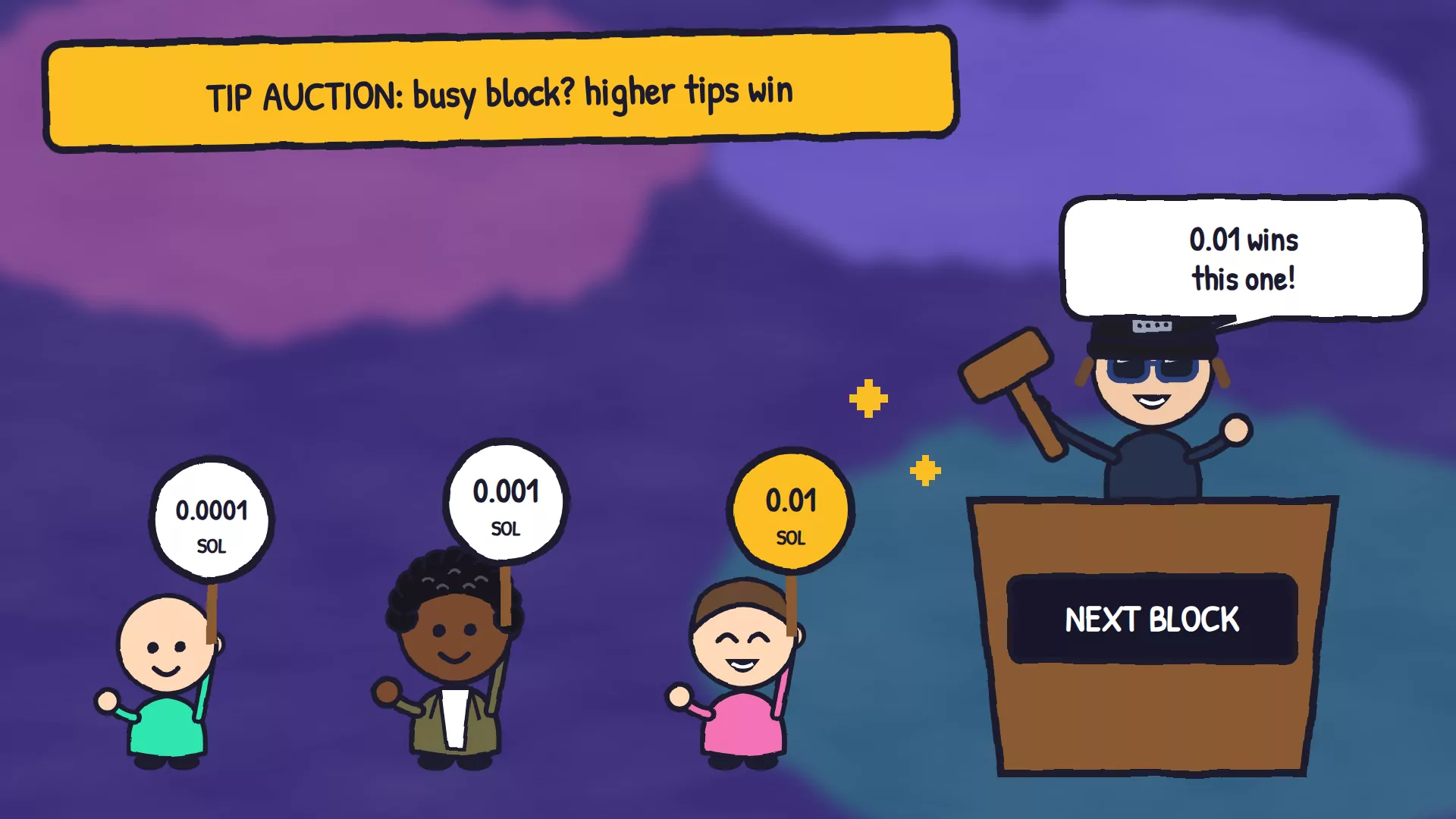
- A tip isn't a priority fee. The priority fee speeds up ordinary transactions. The tip pays for a bundle. The speed button at the top of Solz.app sets both.
- Busy times cost more. When everyone's launching, the going rate rises, and a bundle with a low tip can miss its block.
- Only some validators take bundles. A bundle can land only in a block made by a validator running Jito's software.
Why would I use a bundle?
Use one when several transactions only make sense together. At a launch, a bundle puts your token's creation and your wallets' first buys in the same block, in that order, or cancels the lot. It also stops half-finished jobs, like a pool created without its first position.
Solz.app uses Jito bundles for:
- Buy Bundle when you launch on Pump.fun, LaunchLab or Meteora DBC, and when a Raydium AMM pool opens.
- Bundled Buy and Bundled Sell for your X Wallets, where all wallets land in the same block, or none do.
- Jobs that come in parts, such as a concentrated pool and its first position, or claiming fees from several launchpad pools.
You can choose No bundle instead. It sends each wallet's buy separately, which is harder to spot on-chain, but some buys can fail or land at different prices.
Prerequisites
- A wallet with SOL for your launch, the fees and the tip.
- X Wallets with SOL in them, if your bundle buys from several wallets. Each wallet pays for its own buy.
Steps to launch with a Jito bundle on Solz.app
- Set your tip. Click the speed button at the top of Solz.app and check the Jito tip. It needs at least 0.0001 SOL, so raise it when the network is busy.
- Open a launch form. For example, Launch on Pump.fun, and fill in your token's name, symbol, image and Buy Amount.
- Turn on Buy Bundle. Choose your X Wallets and enter a buy for each one. Keep Jito bundle selected.
- Check the totals. You spend and You get cover the whole bundle, and the fee on the button rises by 0.01 SOL per wallet.
- Create and approve. Click Create Token and approve in your wallet. The launch and every buy go out as one bundle.
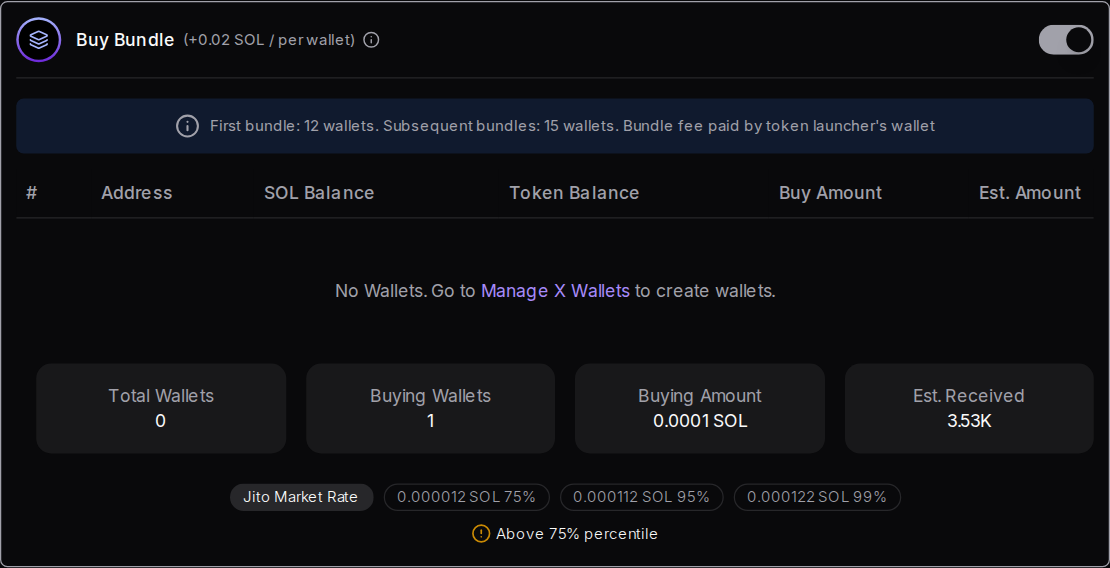
In this example, the launch buys 1 SOL and three X Wallets buy 0.1 SOL each. That's 1.3 SOL in all, for about 44 million tokens, and the fee on the button goes from 0.05 to 0.08 SOL. The launch and all four buys land in one block, or none of them do:
What should I expect to see?
If the bundle lands, every transaction in it shows up in the same block, and Solz.app shows its usual success message with a link. If it doesn't land, normally nothing happened at all: no token, no buys and no tip. Solz.app may then say the transaction expired. Raise the tip and try again.
| What you see | What it means | What to do |
|---|---|---|
| The success message, with a Solscan link | The whole bundle landed in one block | Nothing else |
| A message that your transaction expired before it was confirmed | The bundle wasn't picked up in time, so nothing ran | Raise the Jito tip and priority fee, then try again |
| A Jito tip is required to launch on Meteora DBC | Your own curve's two transactions go out as a bundle | Set a Jito tip at the top of Solz.app, then try again |
| Transaction timeout | It didn't confirm in time | Check your wallet history first, because it may have gone through |
How much does a bundle cost?
The Jito tip is set by you, from 0.0001 SOL per bundle on Solz.app. On top of that, Solz.app charges 0.01 SOL per Buy Bundle wallet, and each wallet pays for its own buy. There's no separate Jito fee: the tip is the price of the express lane.
| Item | Cost |
|---|---|
| Jito tip, set at the top of Solz.app | From 0.0001 SOL per bundle |
| Jito's own minimum tip | 0.000001 SOL |
| Buy Bundle at a launch | +0.01 SOL per wallet |
| Bundled Buy for X Wallets | From 0.01 SOL per wallet |
| Bundled Sell for X Wallets | From 0.005 SOL per wallet |
FAQ
Is Jito the same as JitoSOL or JTO?
Same family, different things. JitoSOL is the token you get for staking SOL in Jito's stake pool, and JTO is the Jito network's governance token. You don't need either to send a bundle: a tip in SOL is enough.
Does a bigger tip guarantee my bundle lands?
No. A bigger tip wins more auctions, but a bundle still misses if one of its transactions would fail, or if no validator running Jito's software makes a block in time.
Do I pay the tip if the bundle doesn't land?
Normally not. The tip is part of the bundle, so if the bundle doesn't land, the tip isn't paid either.
Can people see my bundle wallets?
Yes. Everything on Solana is public, so anyone can see which wallets bought in the same block as your launch. Be open with your community about what your team holds.
What is a sandwich?
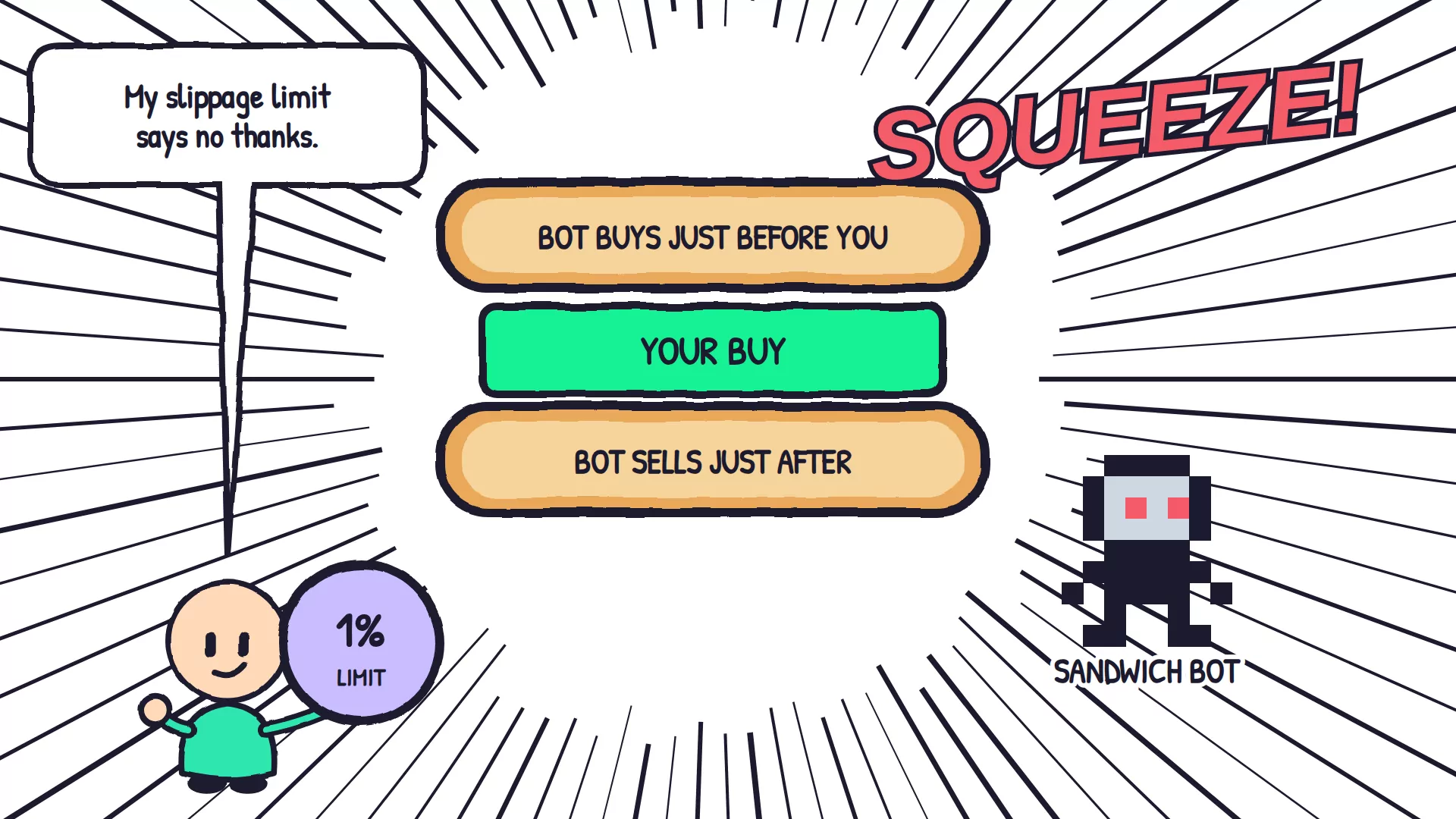
It's when a bot spots a big trade, buys just before it and sells just after, so the trader gets a worse price. A sensible slippage limit caps how much that can cost you.
Sources
Keep reading
Next in the beginner series: what is a rug pull?, and the checklist to run before you buy.